oosVersion 1.0
Website Access
Troubleshooting website access
Website Access
A Client Receives a 404 Error When Accessing a Website
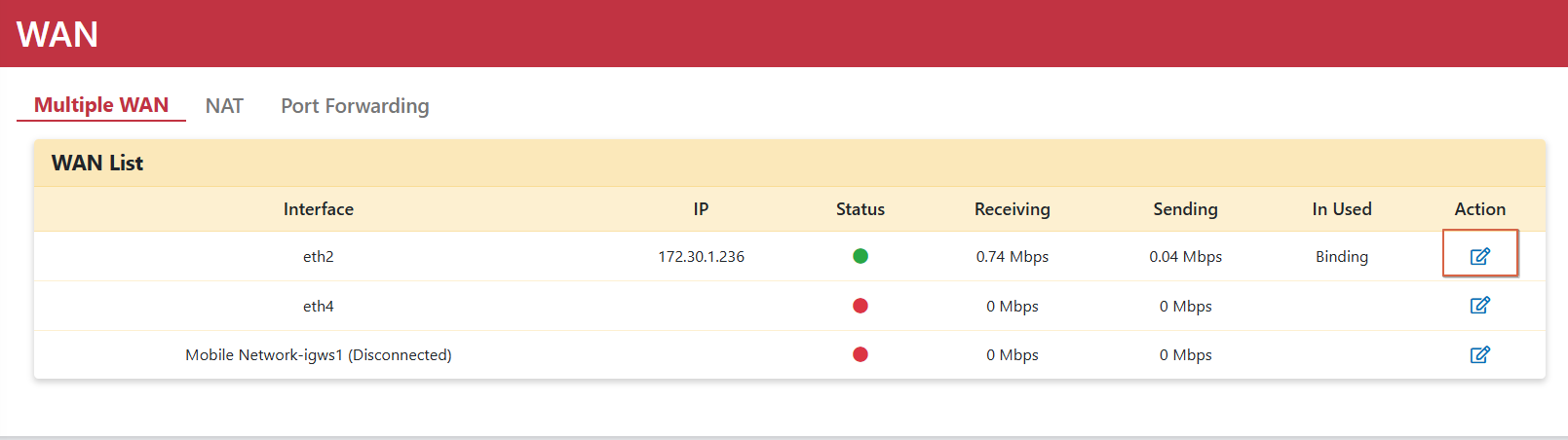
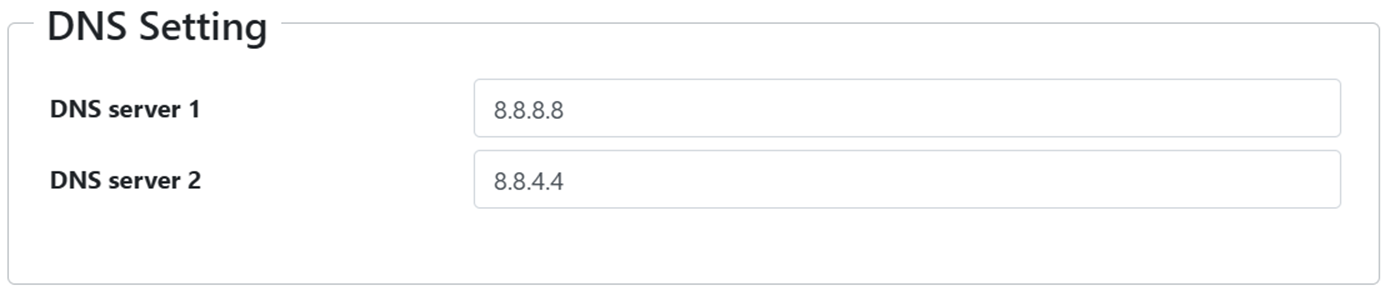
If the client can successfully ping the internet but cannot open a website and receives a 404 error, check the DNS settings:
- Go to
Networking > WAN > Multiple WAN. - Click the edit icon in the Action column and check the DNS settings.
OOS Cannot Be Accessed Directly, and the Controller Does Not Show Device Information
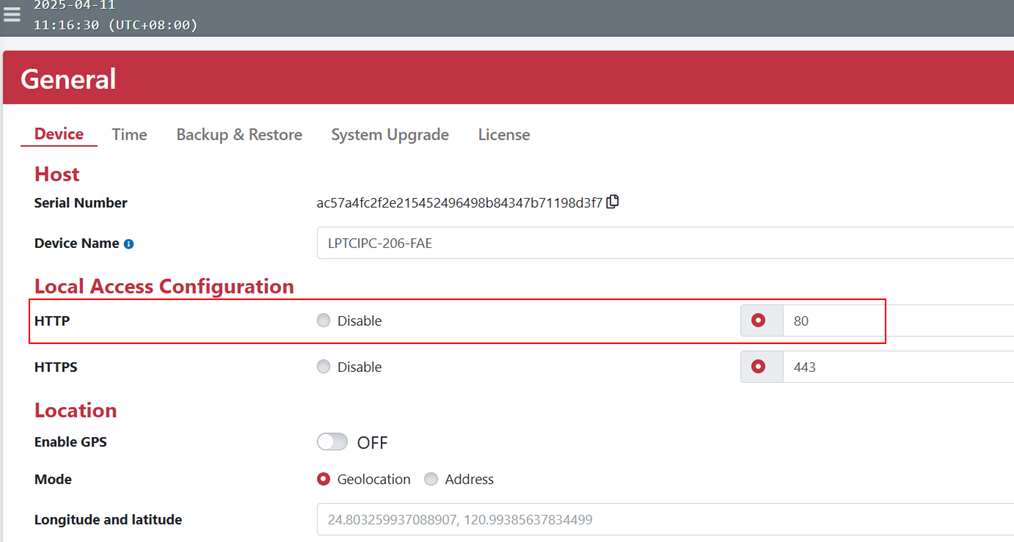
If the OOS website remains accessible through the Controller's Jump to device function, another application may be using port 80. This prevents direct access to the OOS website and prevents the Controller from reading OOS information.
Change the application's settings, or go to General > Device and change the HTTP port.