orphelinkVersion 1.1.4
Provision
Use a Provision Key to add a new OrpheAgent to OrpheLink, discover the device, and complete provisioning.
Provisioning Steps
- Navigate to the Provision section on the OrpheLink interface.

- Generate and copy a new Provision Key for your device.
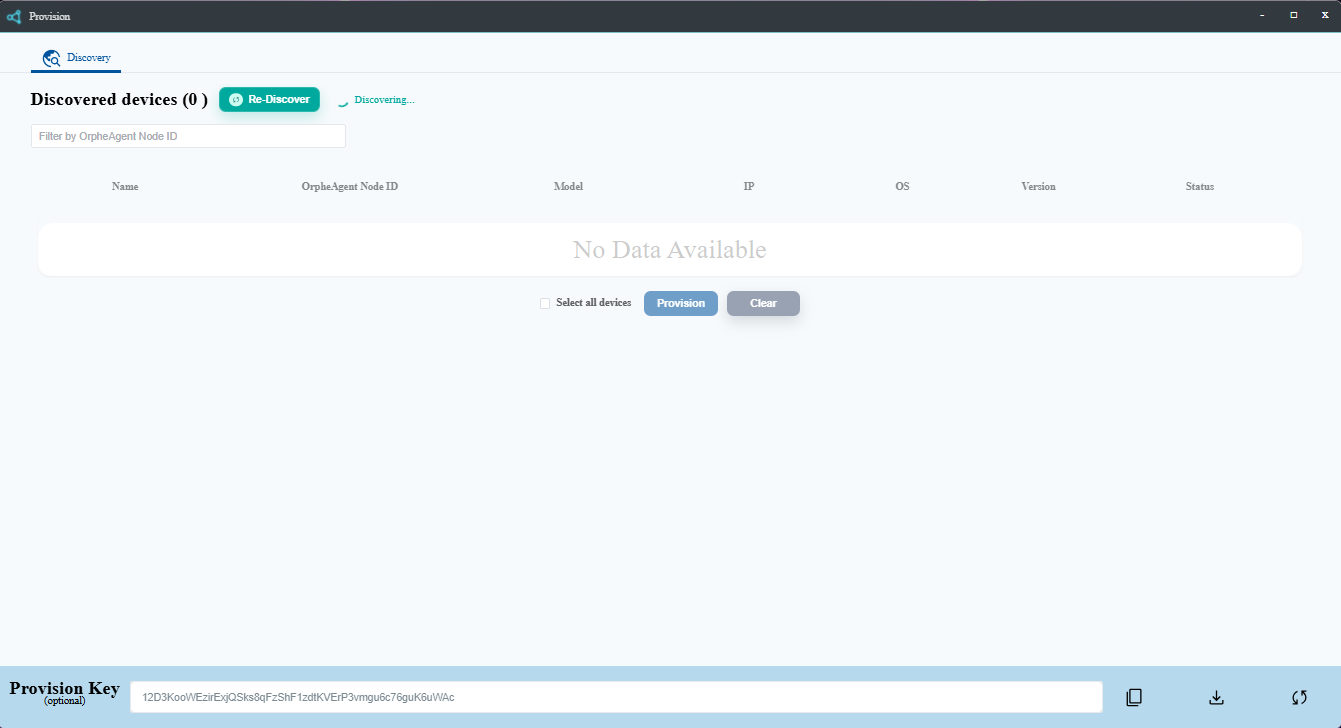
- Log in to the OrpheAgent device and apply the Provision Key based on the OrpheAgent type:
- Return to the OrpheLink Provision page and click Re-discover. The new OrpheAgent will appear in the device list.
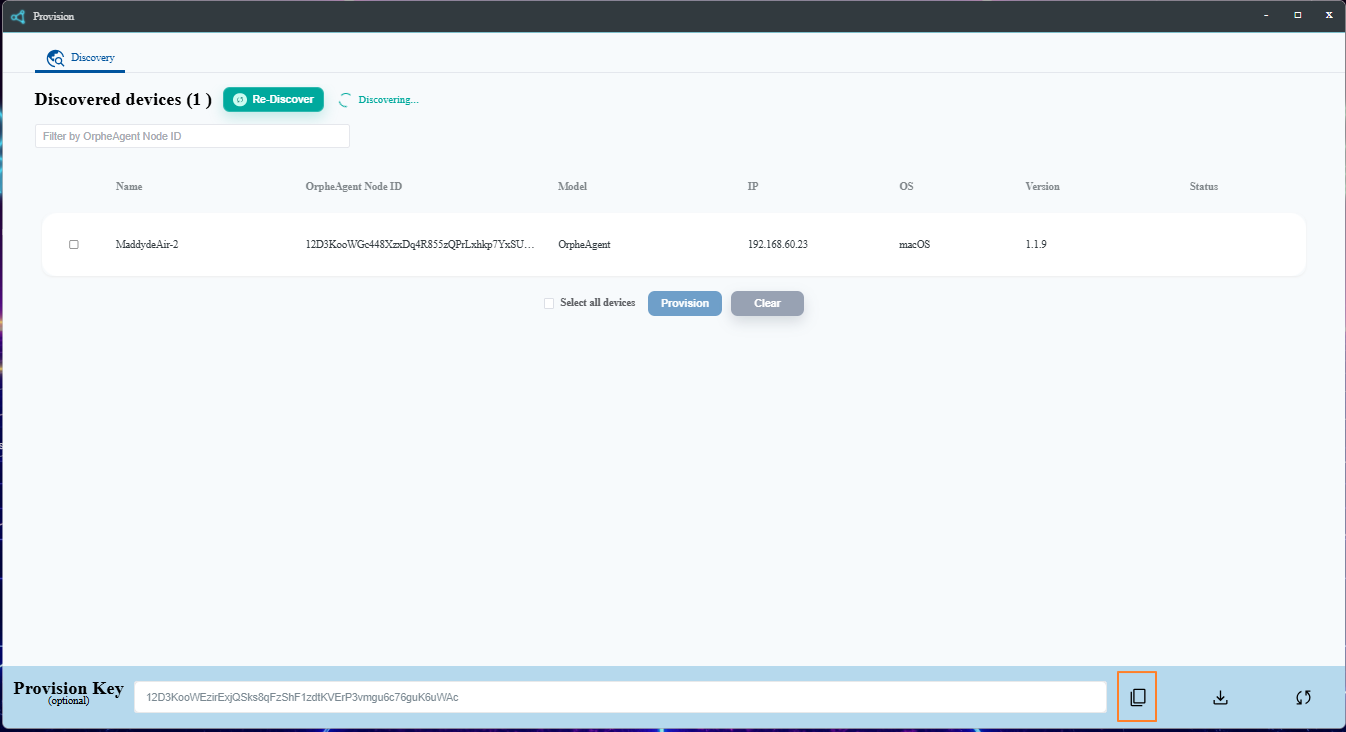
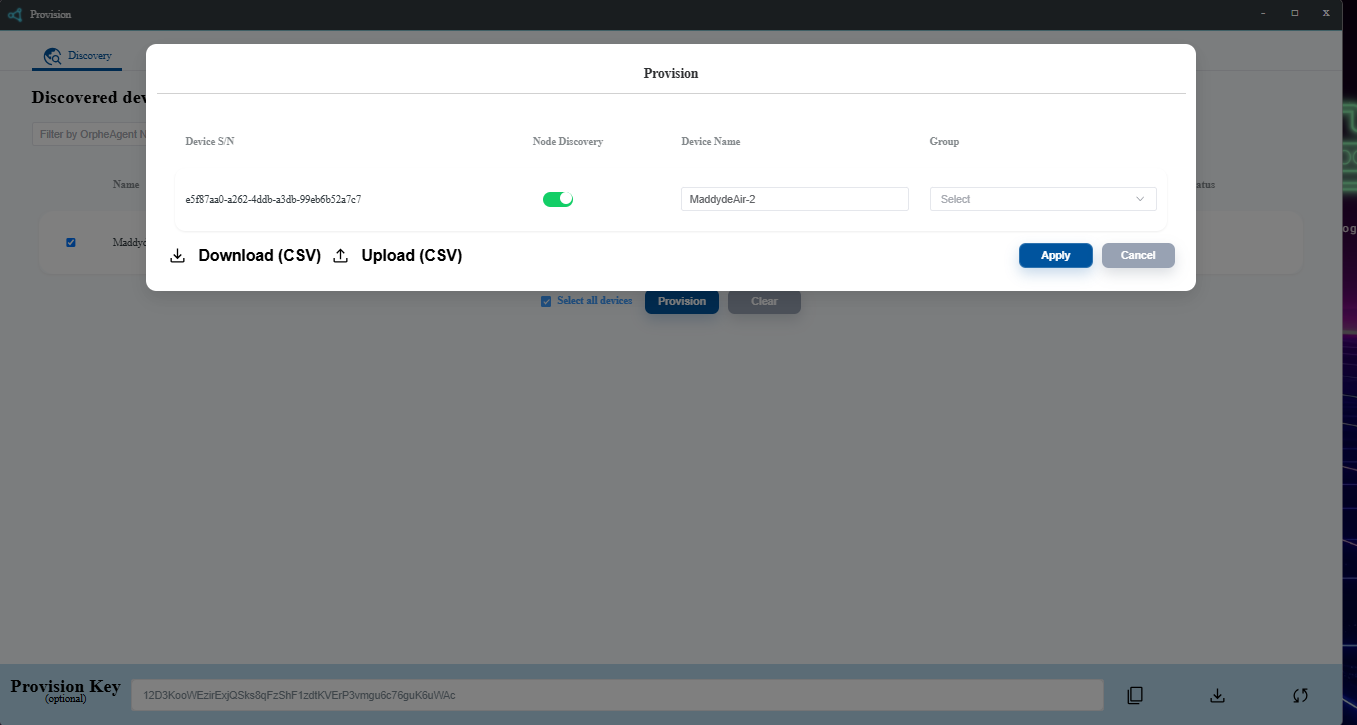
- Select the OrpheAgent device, then click the Provision button at the bottom to let OrpheLink take over management.
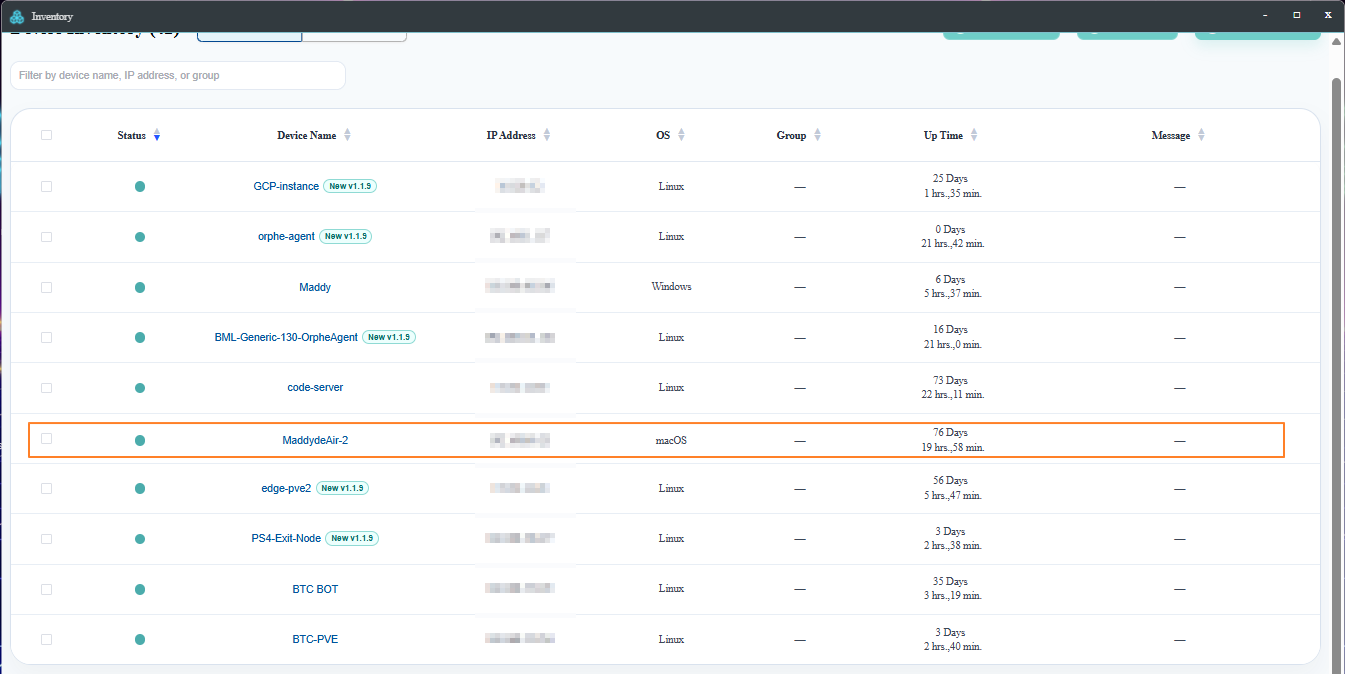
- After provisioning succeeds, open Inventory to view and manage the device.