oos-controllerVersion 1.2
Message
Message
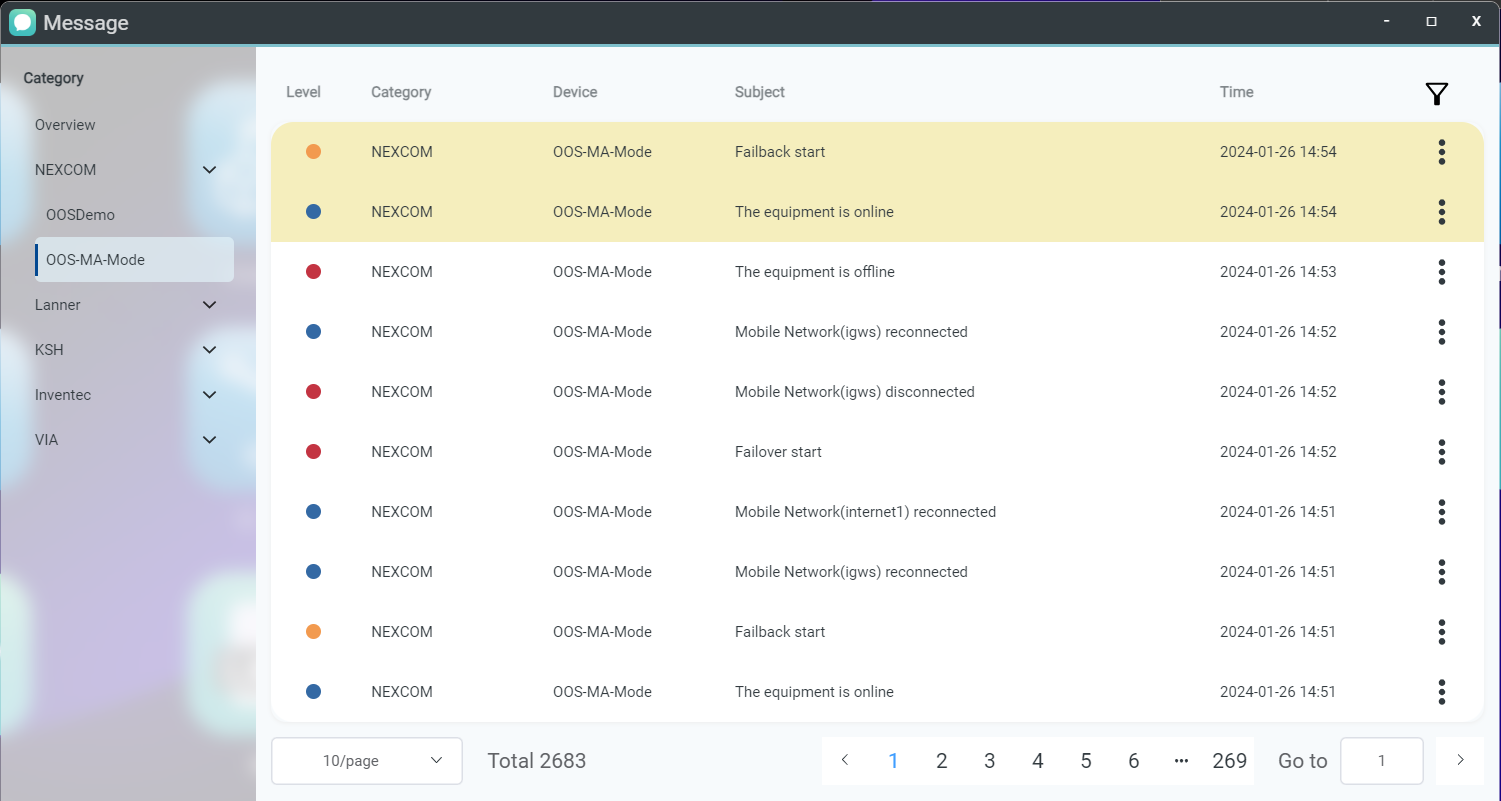
The Message page categorizes notification events by device groups. It provides real-time operational status updates for OOS devices, including online/offline state, WAN disconnections, failover, failback, and application installation events.
Viewing Details and Tracking Actions
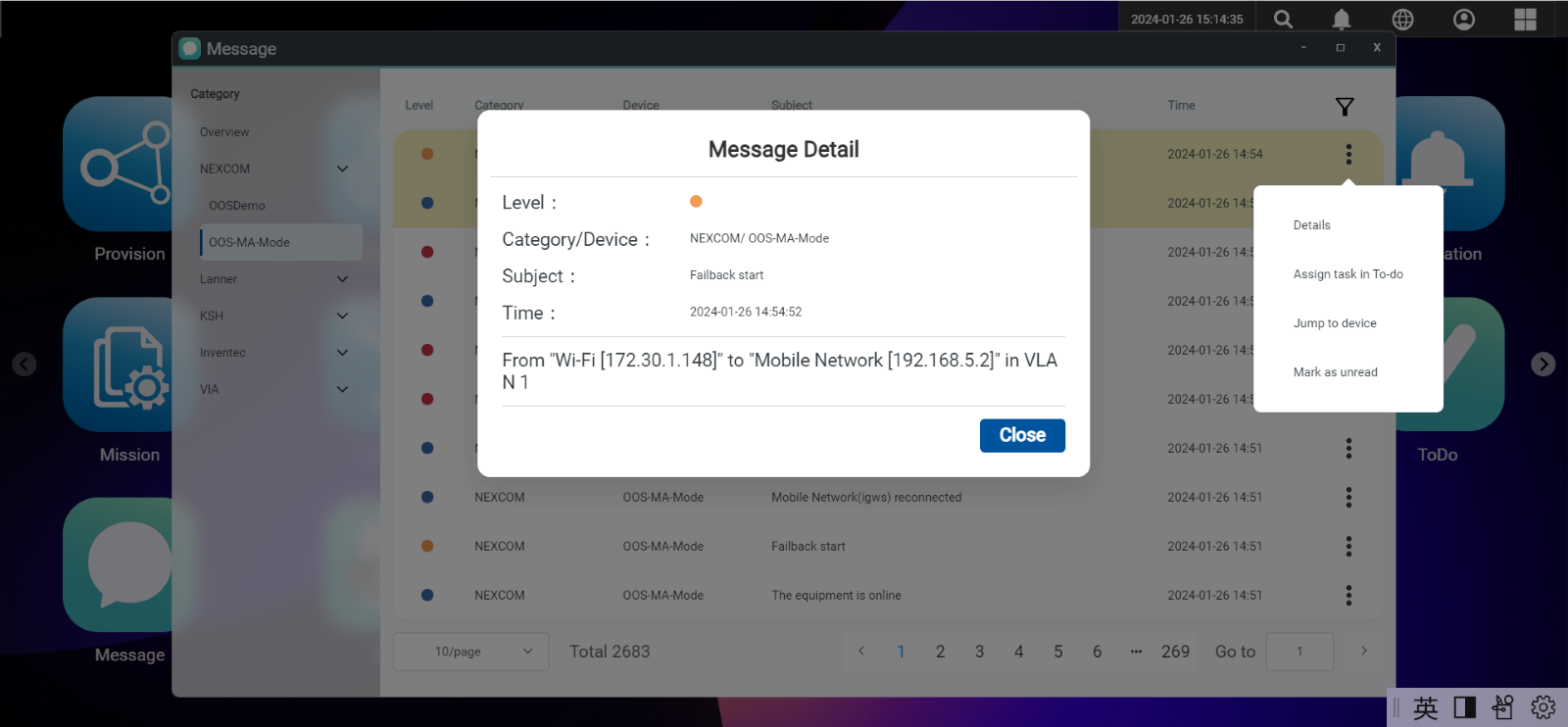
Clicking the action button  opens the message details view. From here, you can assign the message to your To-Do list for tracking or click Jump to Device to immediately inspect the affected device. Read messages appear toward the bottom of the list and can be marked back to unread status as needed.
Filtering and Searching Messages
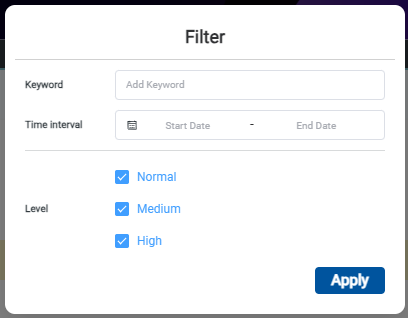
Click the filter button  to refine the message list based on specific keywords and date ranges.