oos-controllerVersion 1.2
Schedule
Schedule
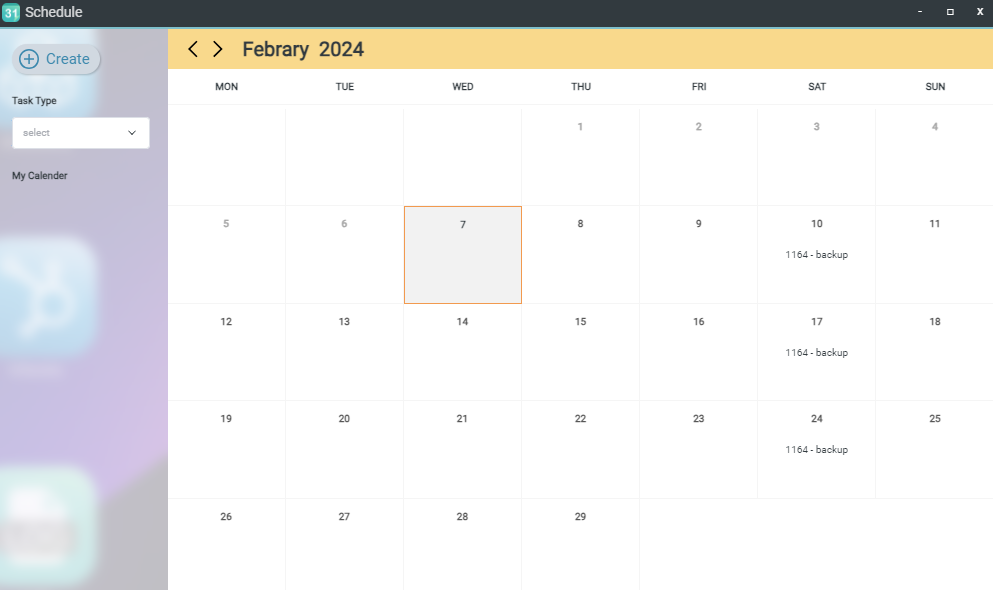
The Schedule page allows you to set up automated backup tasks for groups of OOS devices, ensuring configurations are backed up regularly. Users can customize the backup frequency and execution window according to operational requirements.
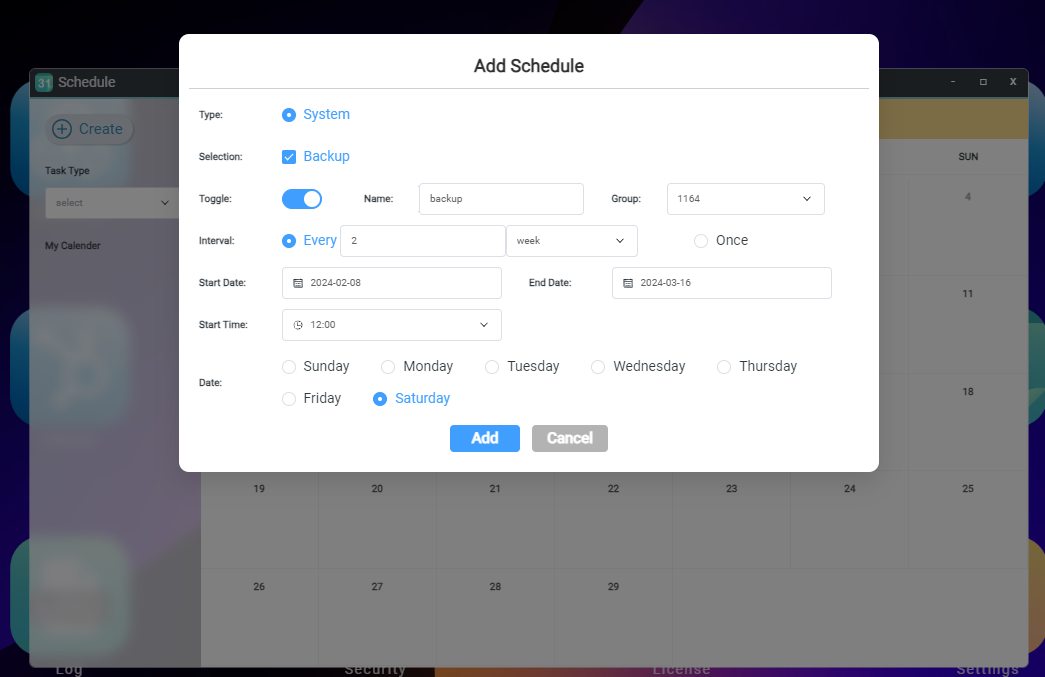
Steps to Create a Backup Schedule
- Navigate to the Schedule page.
- Click the Create button.
- Select the Backup function.
- Enable the schedule toggle switch.
- Enter a name for the schedule.
- Select the target device group.
- Enter the interval time.
- Choose the start and end dates and times.
- Select the day(s) of the week for execution.
- Click the Add button to finalize the setup.