oos-controllerVersion 1.2
ToDo
ToDo
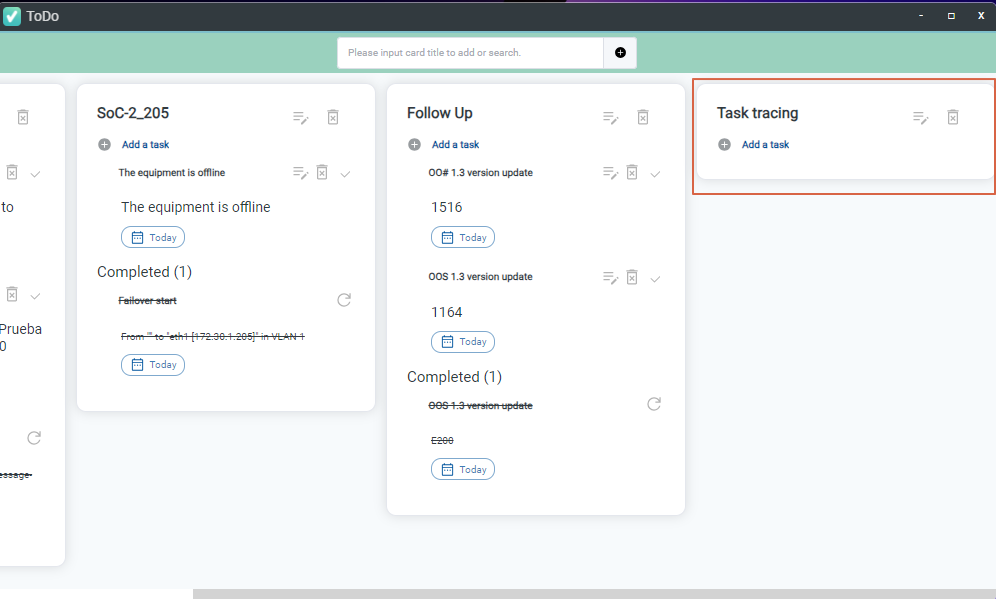
The ToDo page allows you to create custom task lists, record action items, and track pending work. You can also assign incoming system messages directly to your to-do list. Completed tasks for each OOS device are checked off and moved to the completed section, providing clear visibility over active workload and historical action records.
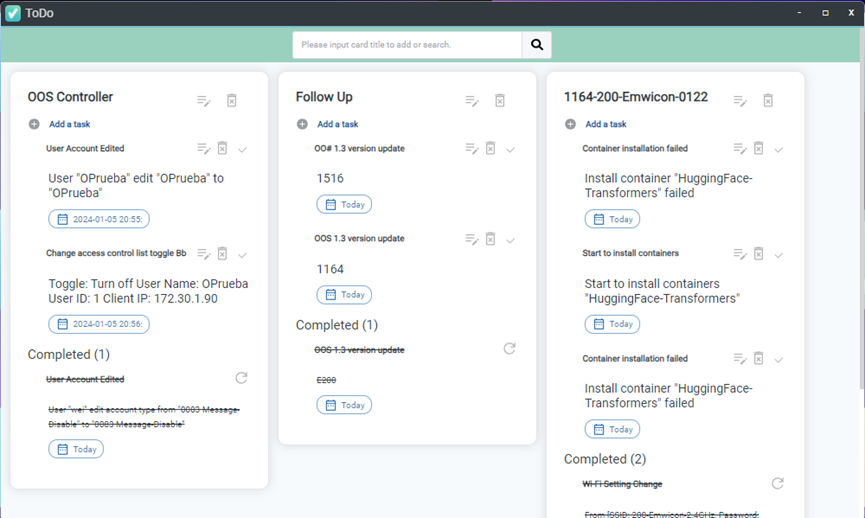
Adding a Task from System Messages
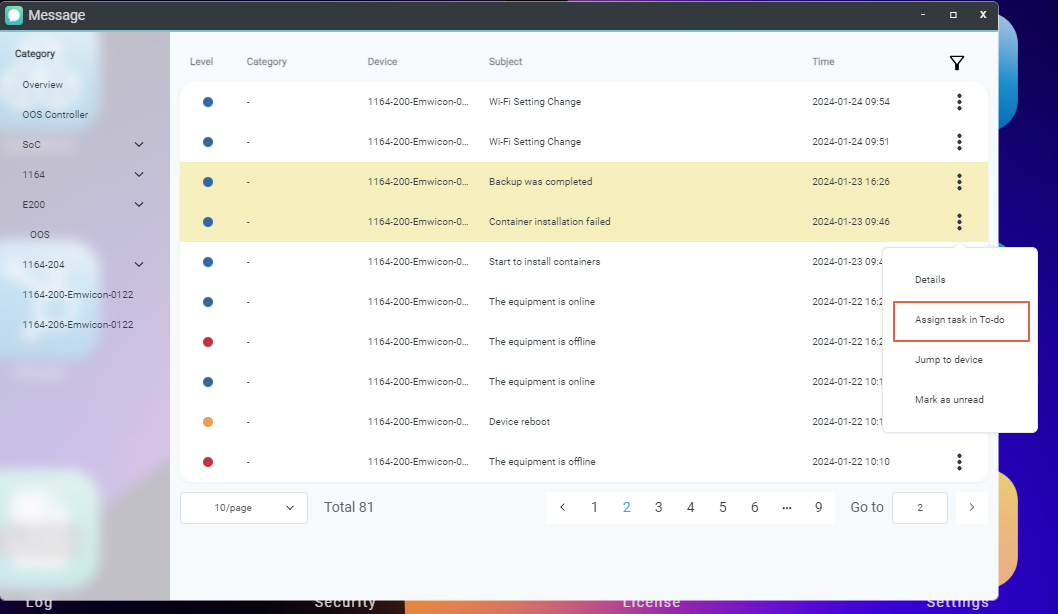
- Go to the Message page.
- Select the target device and specific message.
- Click Assign task in To-Do.
Creating a New Task in ToDo
- Go to the ToDo page.
- Enter the task category name.
- Click Add to create the container list.
- Click Add a task.
- Enter the task name and description.

- Click Save to confirm.